|
|
Error Detection on Human Error
01. How to
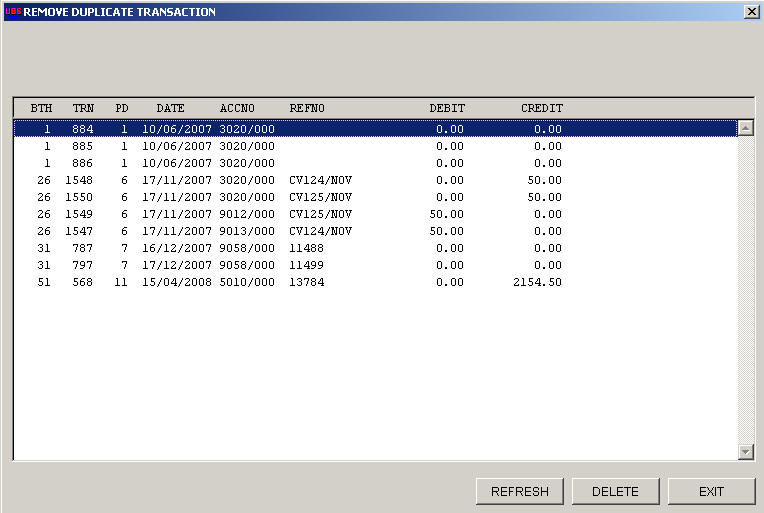
know you have entered twice. Duplicate Entries
* use the program Removdup.exe to detect
duplicate double entries.
02.
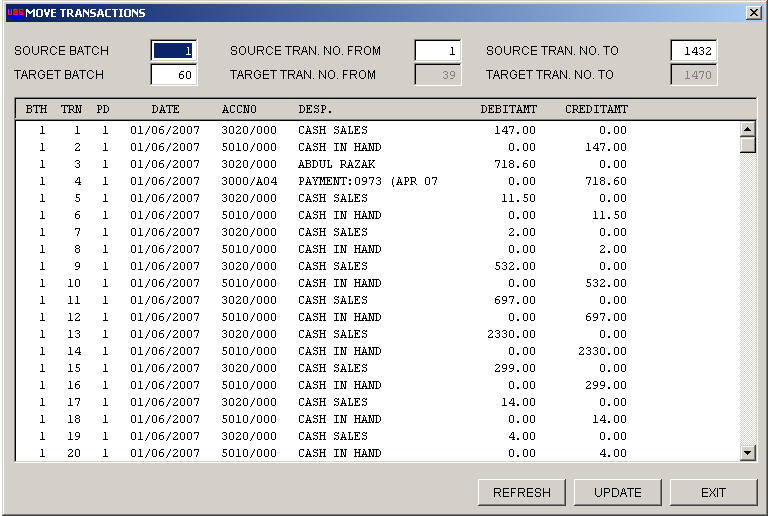
Entries at Wrong Batches
* use program Movetran.exe to move the
transaction into correct batches.
03.
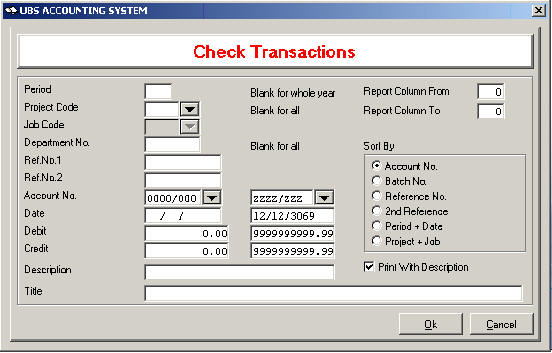
- Date
with the Wrong Period, Type in the Period, and tick the Period + Date options.
- Couldn't remember where you have entered, type
in Ref.No. 1 to search.
- Couldn't remember the reference you have
entered, type in the Amount, Debit to Debit.
* Go to Reports > More Reports > Check
Transactions
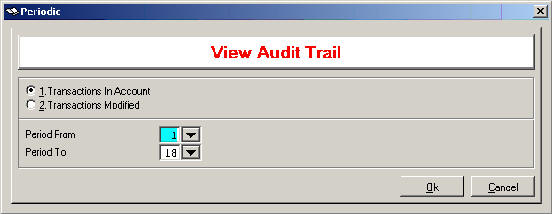
04. Does
not know what junior or new staff have entered or modified?
* Go to Periodic > View Audit Trail
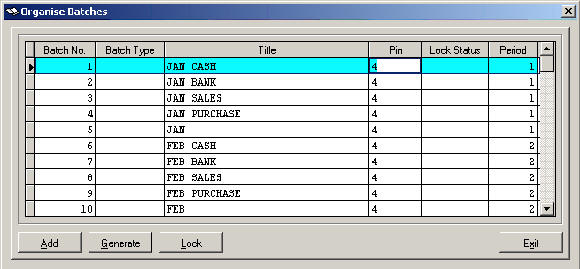
05. Control over Period and Date to avoid entered wrongly.
* Go to Transaction > Organize Batches > Key in
Period Column
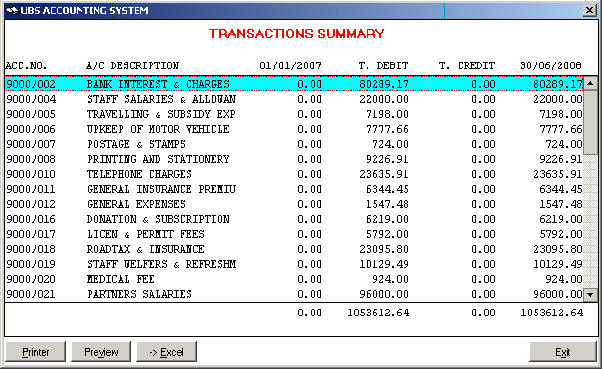
06. Key in
wrong Debit/wrong Credit of the accounts.
* Tips, all expenses should be at debit side.
* Go to Report > More Report > Transaction
Summary
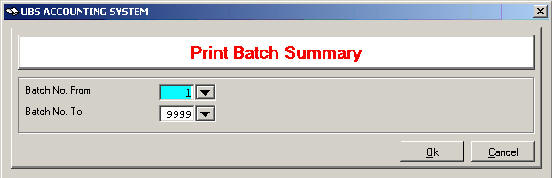
07. Accounts Not Balance
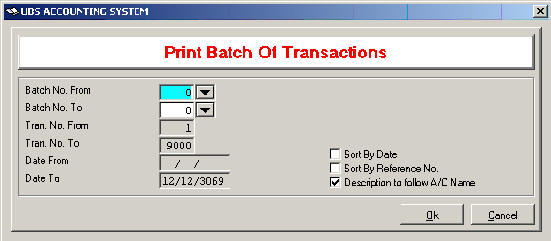
* Go to Transaction > Print Batch Summary. Narrow
the search for which batch not balance.
* Go to
Transaction > Print Batch of Transaction. Narrow the search with the date.
08.
Accounts Missing Something
* Cash in Hand overdrawn / too much in hand,
detected at which month.
* Cash Flow has gone where?
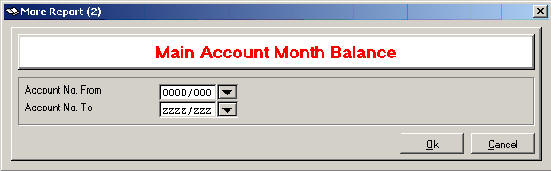
Go to Report > More Report > Main Account Month
Balance
09. Missing
Invoice / Cash Bill Number?
* Go to Report > View Ledger.
* Post to Ms. Excel, Sort by reference No., Type
in Running Numbers with Excel functions.
10. Always
trouble to check people work?
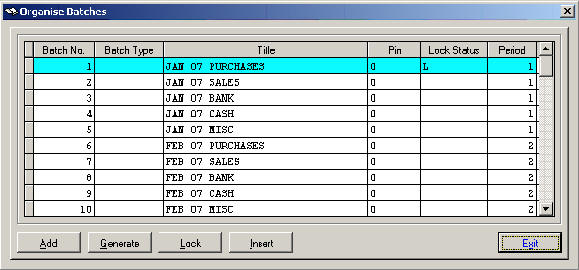
* Go to Transaction > Organise Batches
To lock the double entries so that no
modification/deletion could be made.
11. Enter
double entry with 0 amount?
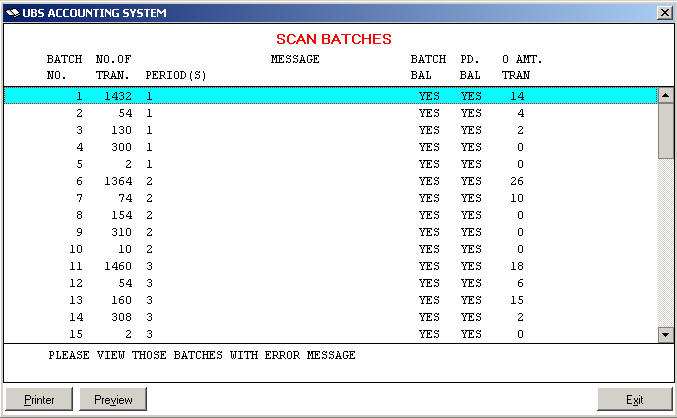
* Go to Transaction > Scan Batches
To check whether amount has been left out.